DESTINY
[NATIVE CAPTURE GALLERY // ZERO VIDEO-SIGN CHROME]

Borderless native macOS captures across every Destiny discipline.

Lightweight governed 60fps loops (0.9–1.9 MB each) and 3024×1896 Retina stills recorded directly from the native macOS application by Nandai Jewels.

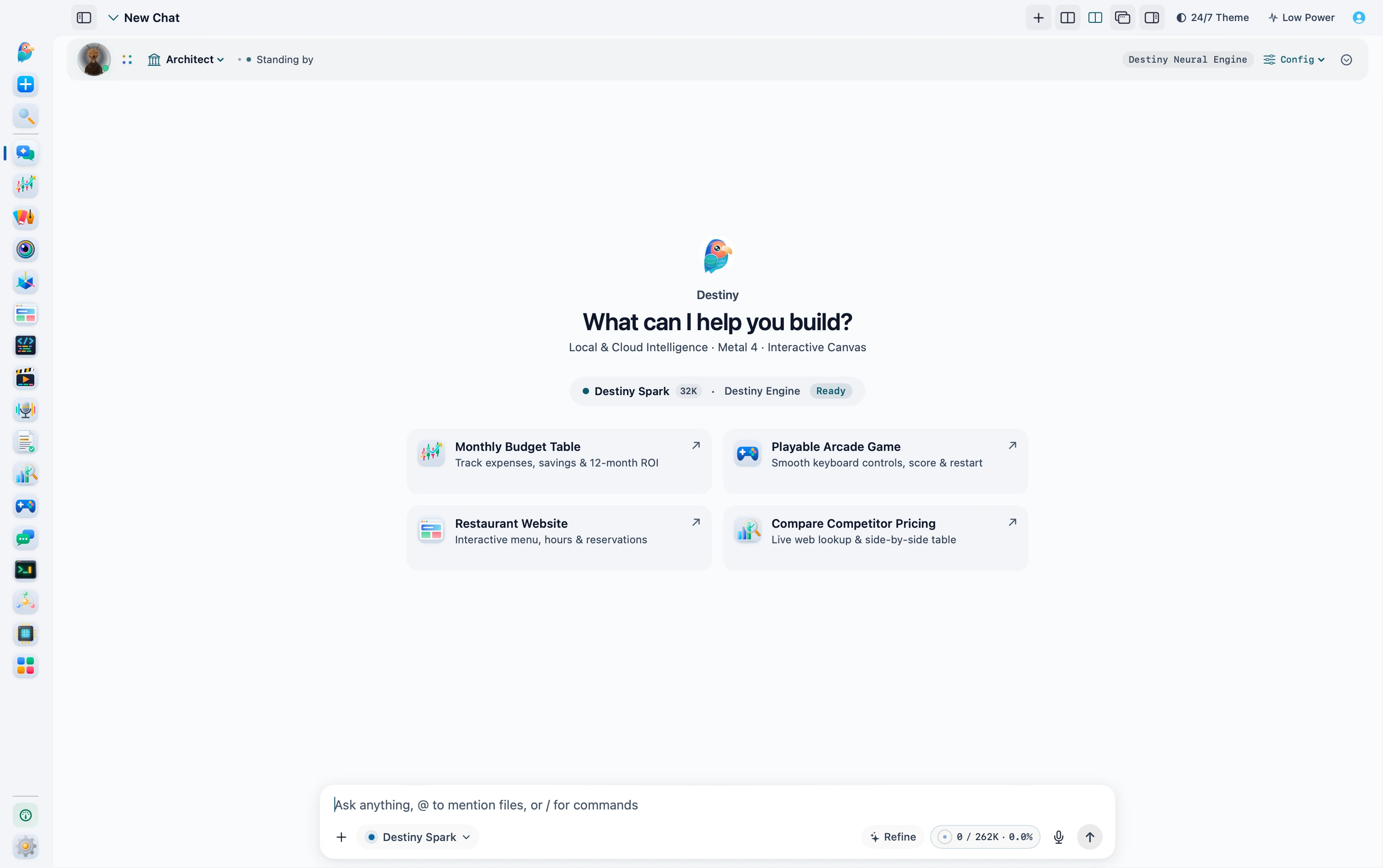
Destiny Native macOS Workstation Overview
Native macOS Capture · 2560×1600 · 60fps

Destiny Native macOS Workstation Overview

Direct borderless capture of the native Destiny desktop application running local Apple Silicon inference with zero cloud upload.
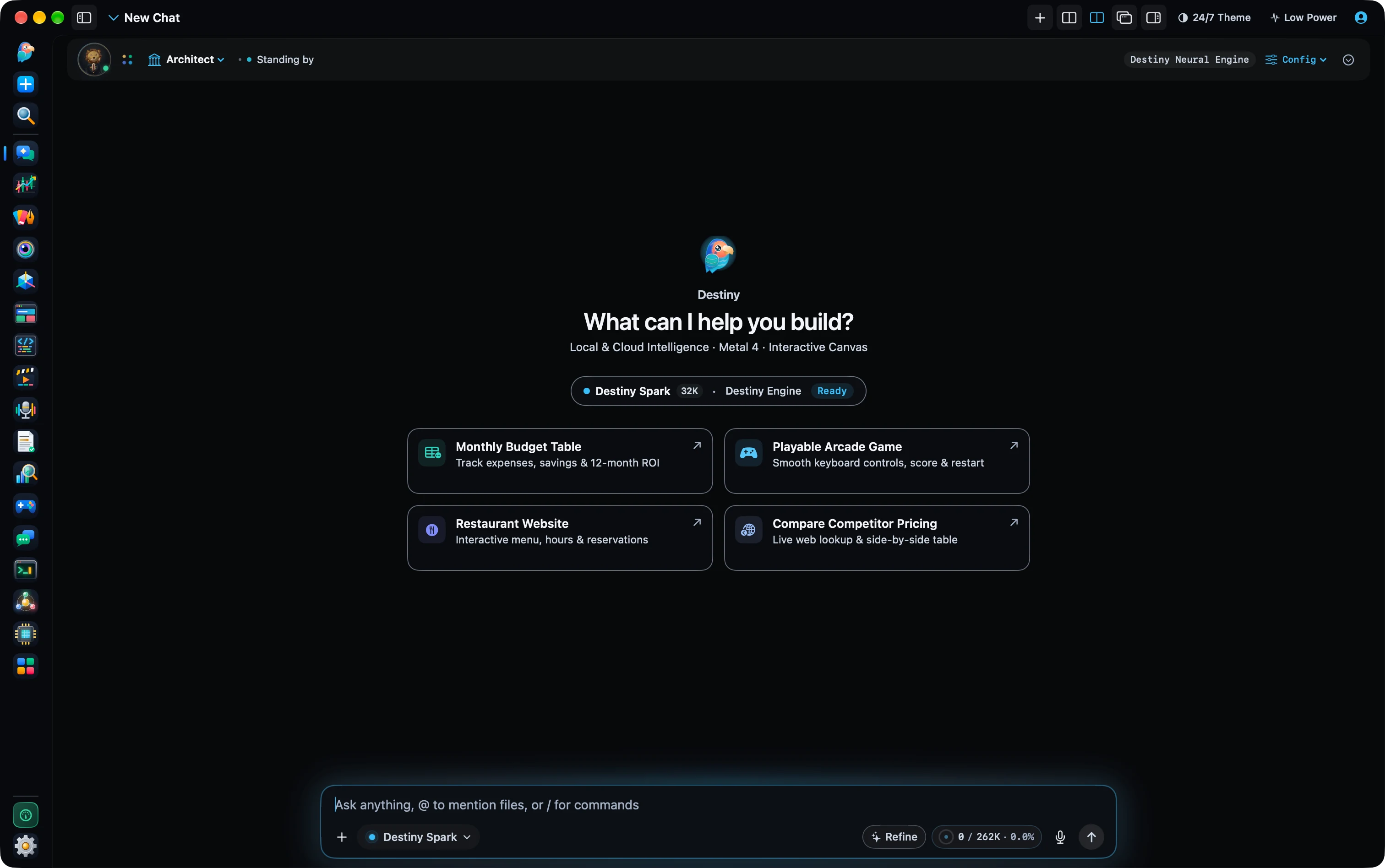
Split-Pane Local Intelligence & Verification Inspector
Native macOS Capture · Local Metal AI

Split-Pane Local Intelligence & Verification Inspector

Real-time local model inference paired with side-by-side technical inspection and deterministic tool telemetry.
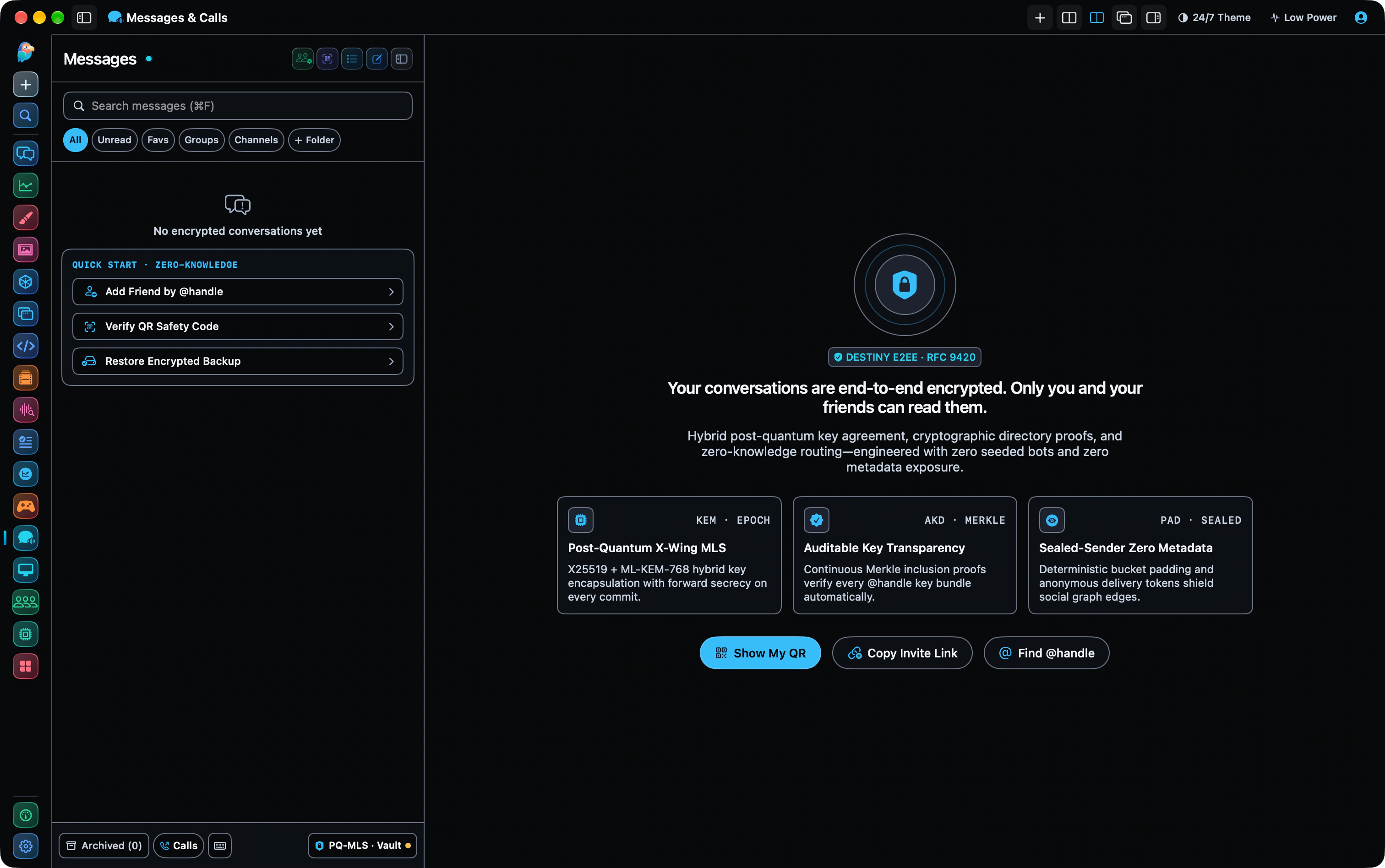
Encrypted Messages & Post-Quantum Key Architecture
Native macOS Capture · OpenMLS RFC 9420

Encrypted Messages & Post-Quantum Key Architecture

Local-first encrypted messaging preview built on OpenMLS (RFC 9420) and hybrid X-Wing key encapsulation.
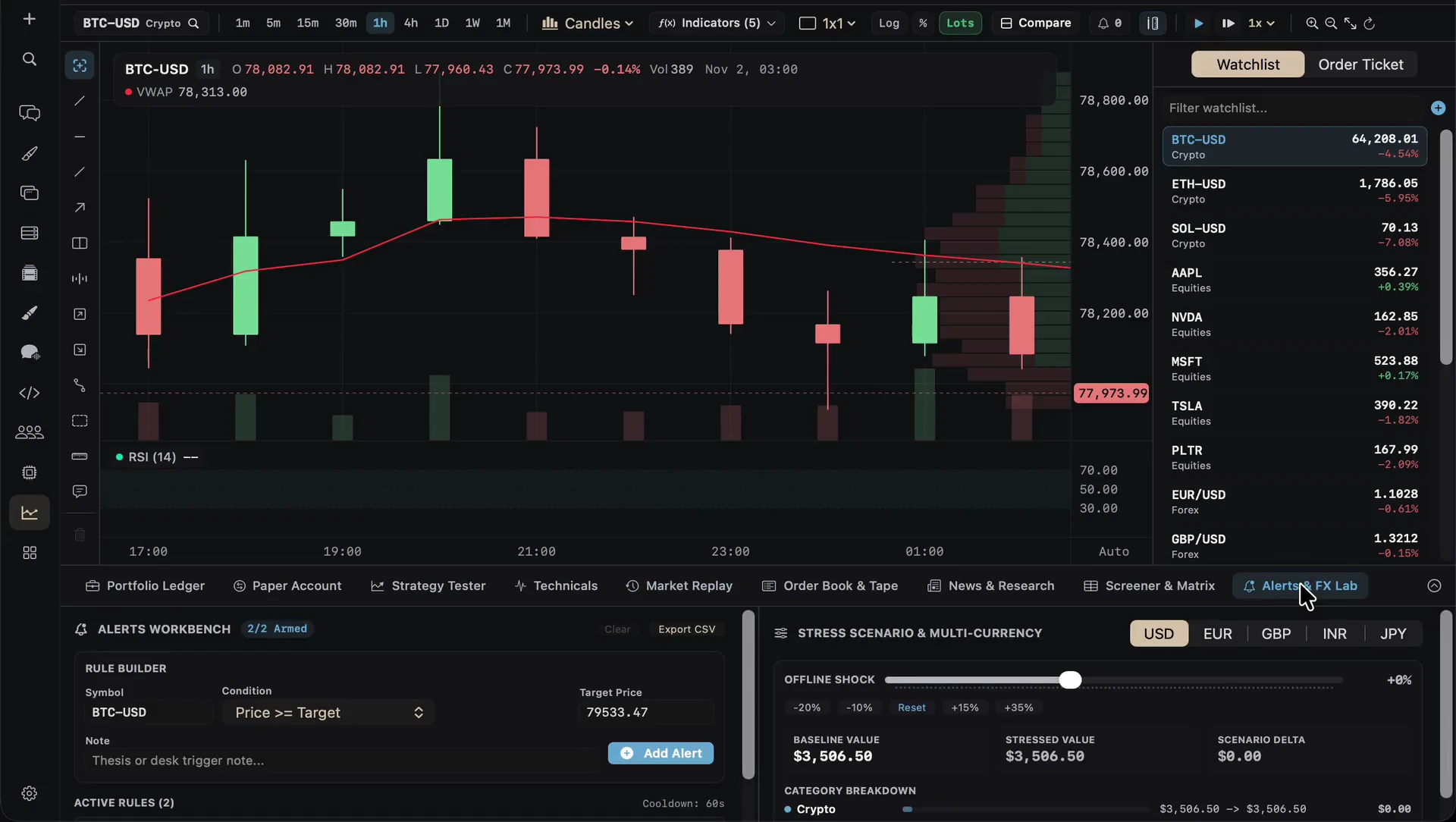
Quantitative Market Terminal & VPVR Charting
Native macOS Capture · Historical Simulation

Quantitative Market Terminal & VPVR Charting

Multi-timeframe candlesticks, Volume Profile Visible Range, and deterministic local backtesting in a calm dark instrument layout.
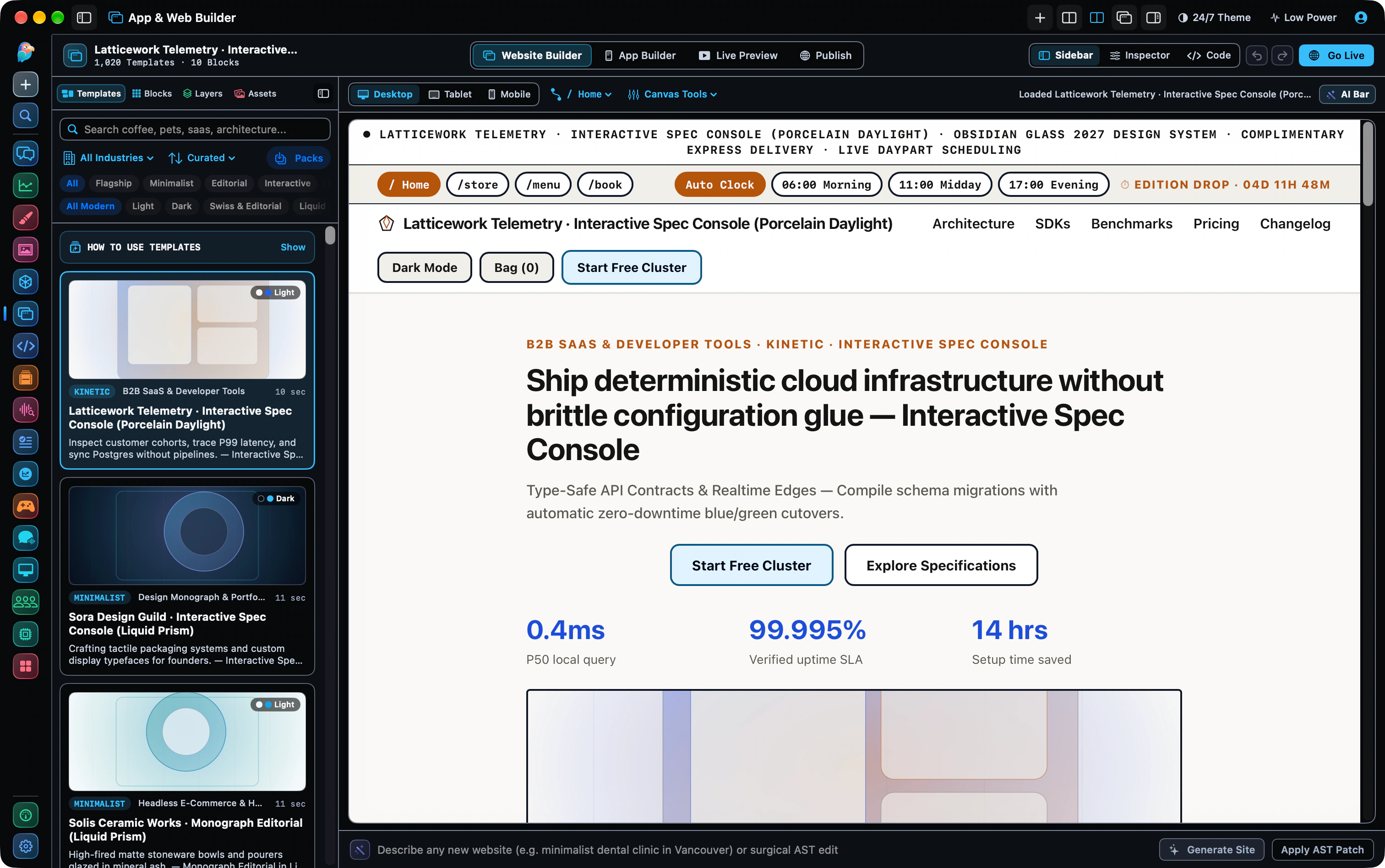
Responsive Website & Layout Inspector
Native Capture · Web & Component Builder

Responsive Website & Layout Inspector

Compose static layouts across desktop and mobile breakpoints and export clean zero-CDN HTML/CSS directly to local disk.
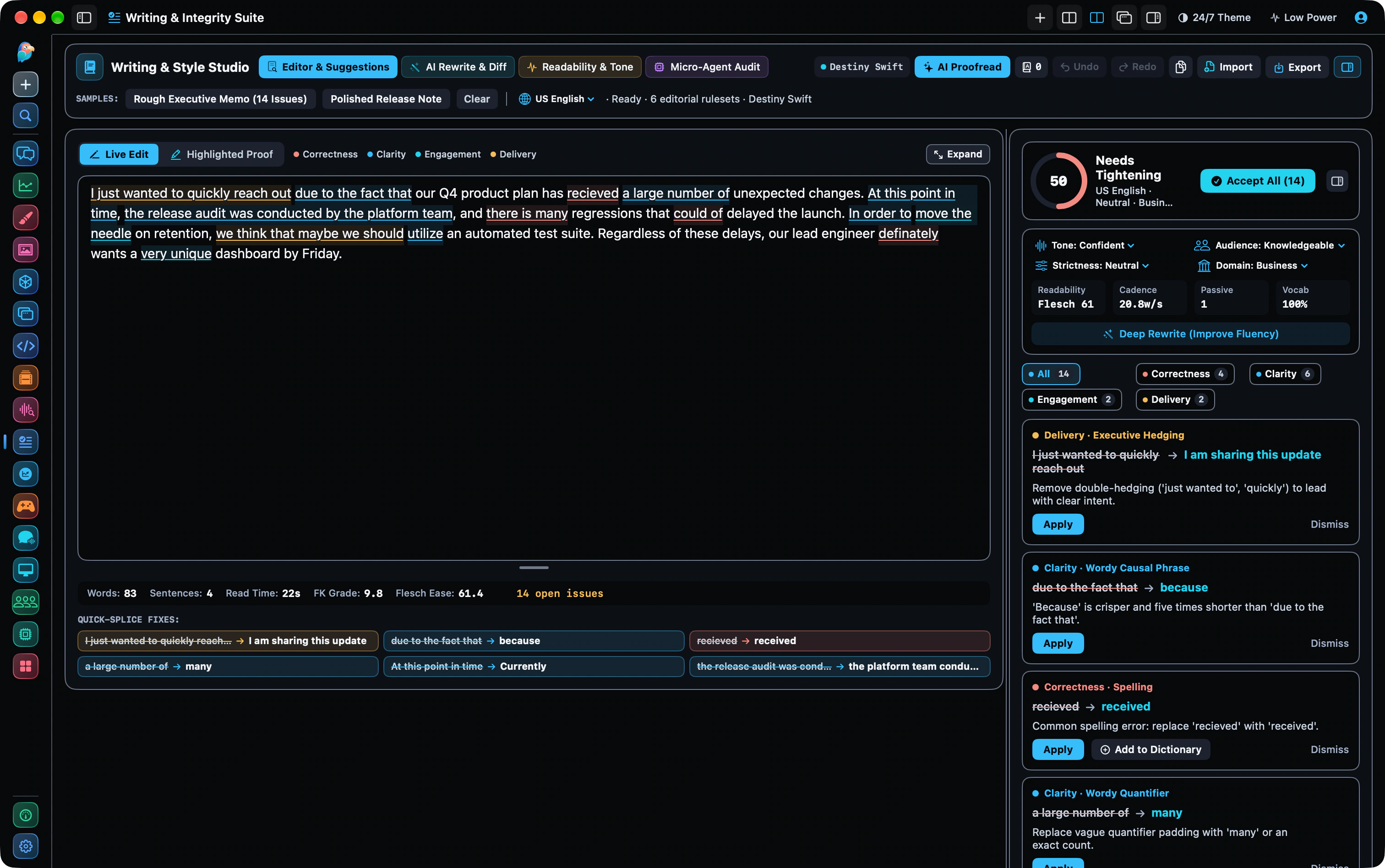
Contract & Document IQ — Local Redline Review
Native Capture · Writing & Contract Clarity

Contract & Document IQ — Local Redline Review

Inspect dense contract clauses, compare plain-English rewrites side by side, and keep sensitive files strictly on local disk.
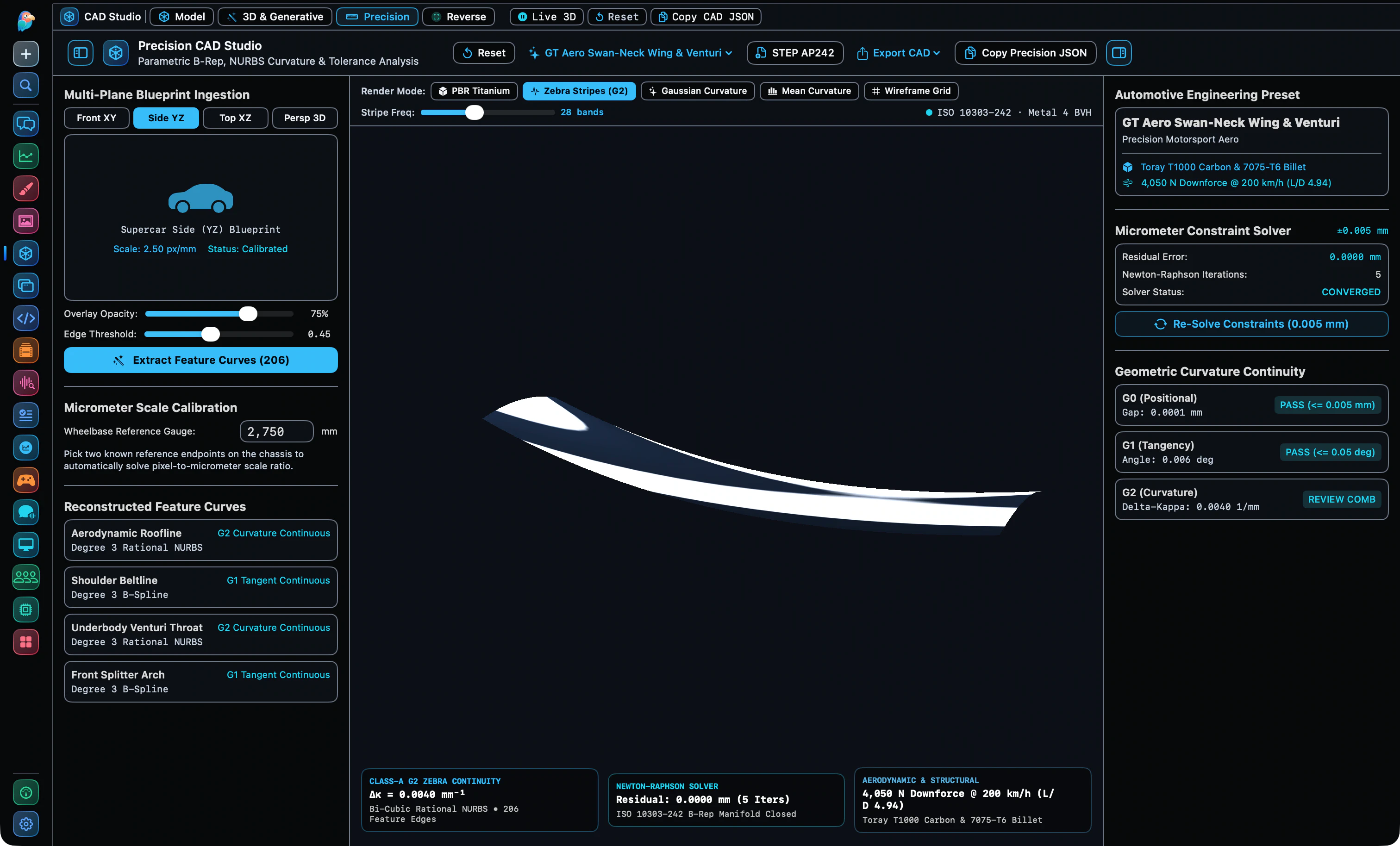
Parametric CAD & Interactive 3D Viewport
Native Capture · Metal 3D Viewport (Beta)

Parametric CAD & Interactive 3D Viewport

Native Apple Silicon Metal 3D viewport for engineering mesh inspection and interactive WebGL2/Canvas game compilation.

[NATIVE CAPTURE DIRECTORY]Draft Light Priority · 14 Screens

Verified Native Retina Screenshots

Unedited macOS application surfaces across light and dark polarities.

[CAP.01 // Local AI]LIGHT

Local AI Chat & Workspace Hub

3024×1896 Retina WebP
[CAP.02 // Code IDE]LIGHT

Destiny Code IDE & Integrated Terminal

3024×1896 Retina WebP
[CAP.03 // Markets]LIGHT

Quantitative Market Terminal

2560×1600 Retina WebP
[CAP.04 // Web Builder]LIGHT

Responsive Website & Layout Builder

2560×1600 Retina WebP
[CAP.05 // Graphic Studio]LIGHT

Vector & Precision Layout Studio

2560×1600 Retina WebP
[CAP.06 // Audio DAW]LIGHT

48 kHz Audio DAW & Wavetable Synth

2560×1600 Retina WebP
[CAP.07 // Writing & Legal]LIGHT

Writing & Contract Clarity Suite

3024×1896 Retina WebP
[CAP.08 // Local AI]DARK

Local AI Chat — Dark Instrument

3024×1896 Retina WebP
[CAP.09 // Code IDE]DARK

Destiny Code IDE — Dark Instrument

3024×1896 Retina WebP
[CAP.10 // Markets]DARK

Quantitative Market Terminal — Dark

2560×1600 Retina WebP
[CAP.11 // Web Builder]DARK

Responsive Website Builder — Dark

2560×1600 Retina WebP
[CAP.12 // Audio DAW]DARK

48 kHz Audio DAW — Dark Instrument

2560×1600 Retina WebP
[CAP.13 // Security]DARK

Security Sentinel & Local Audit

2880×1800 Retina WebP
[CAP.14 // Metal 3D CAD]DARK

Metal 3D CAD & PBR Viewport (Beta)

2560×1600 Retina WebP
[FAQ // VERIFIED SPECIFICATION]

Showcase & Media Pipeline FAQ

02 ENTRIES · VISIBLE DOM PARITY
Why do the showcase loops on nandai.org have no native browser play buttons or scrubber bars?
Inline product demonstrations use DestinyVideoGovernor with an instant Frame-0 Retina poster and an opacity crossfade into lightweight (0.9–1.9 MB) H.264 yuv420p native captures. Removing browser native video controls eliminates intrusive play-sign icons over interface visuals.
Are these captures real Destiny macOS application recordings?
Yes. Every video and still in this gallery is a direct borderless 2560×1600 or 3024×1896 capture of Destiny by Nandai Jewels running natively on Apple Silicon macOS—with zero AI stock actors, zero fake monitor bezels, and zero synthetic telemetry.